
Deploying and Securing the Server
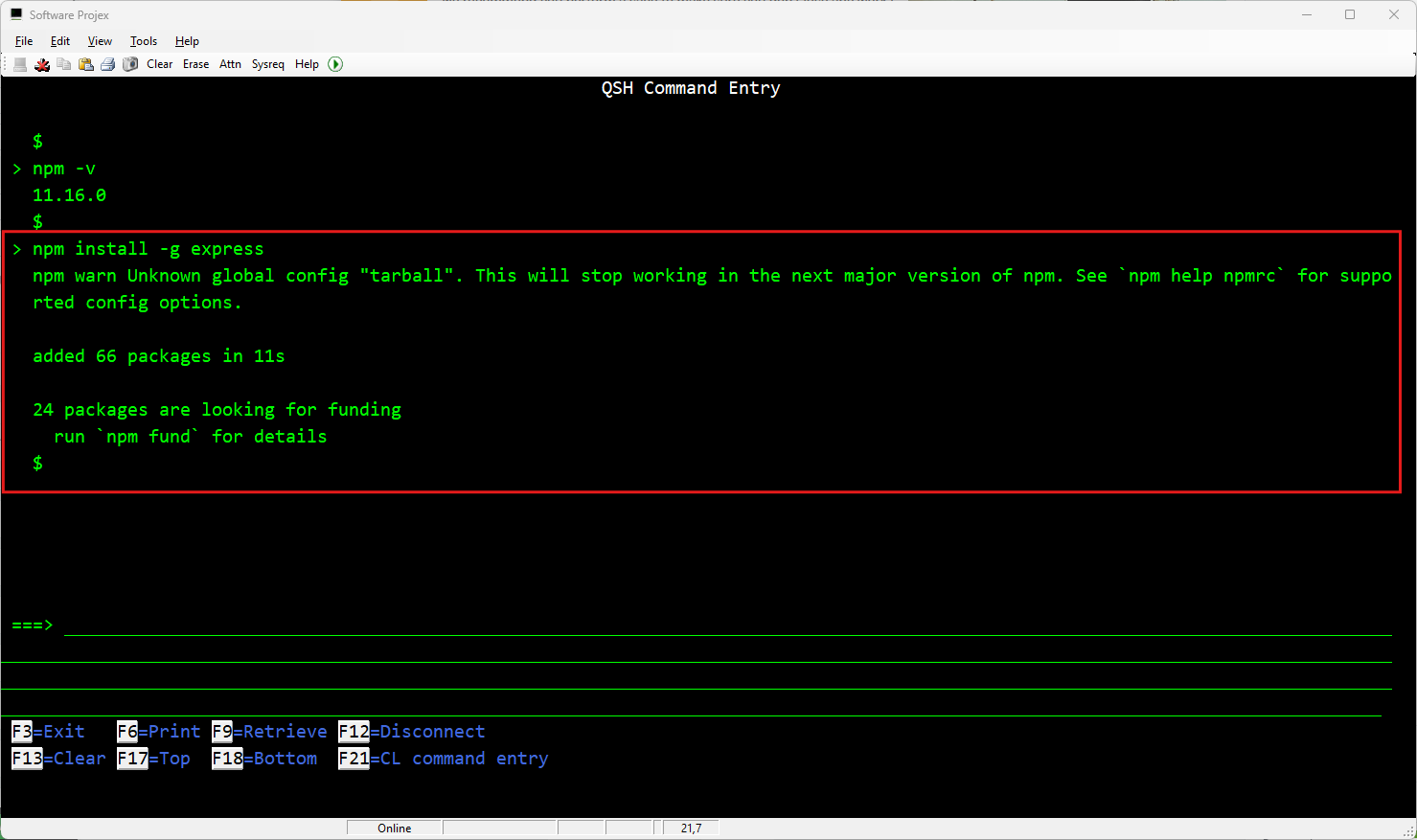
Install Express Globally (Optional for Generators): For project scaffolding tools, run npm install -g express. This installs the Express application generator system-wide.
/QOpenSys/pkgs/bin/npm install -g express
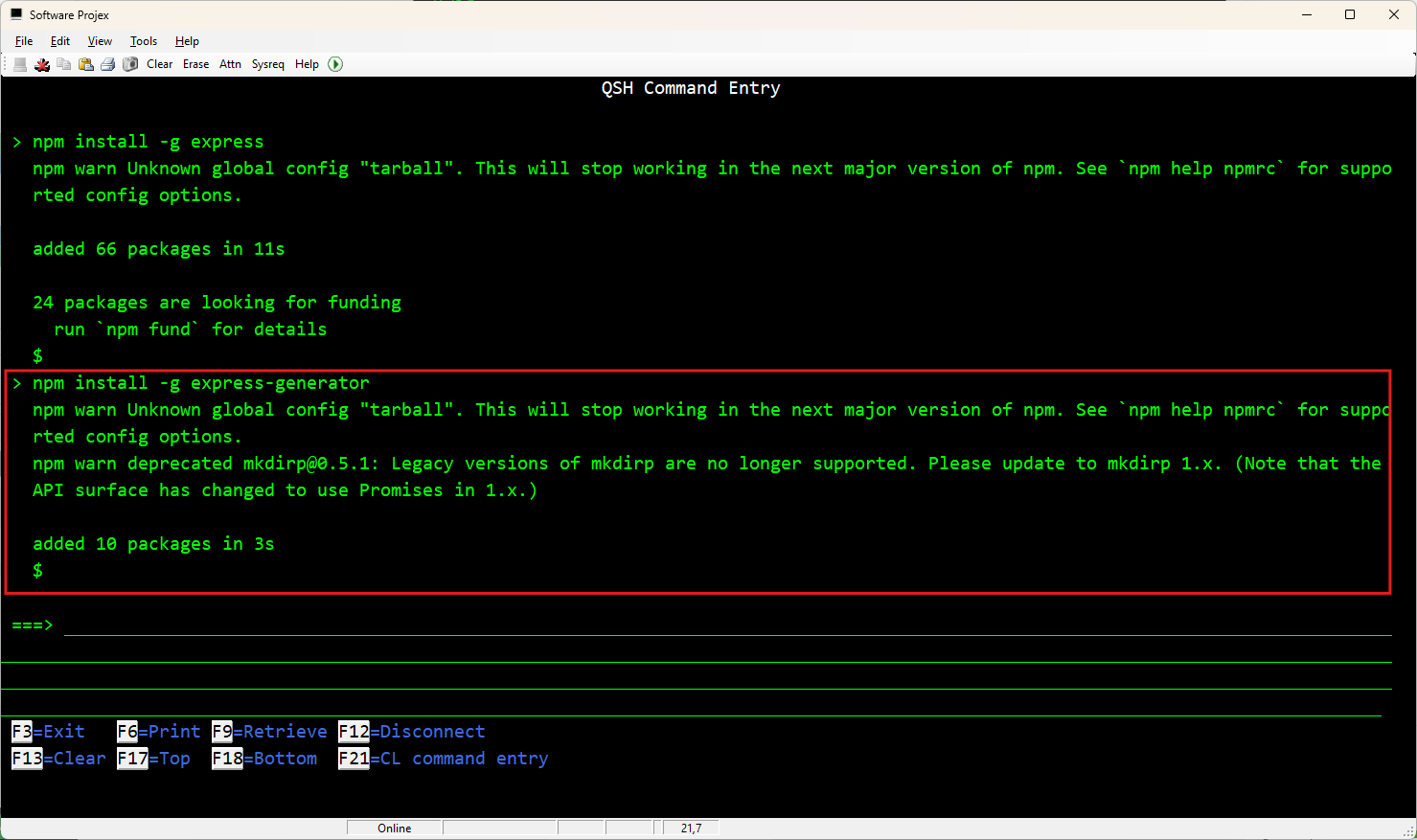
/QOpenSys/pkgs/bin/npm install -g express-generator
Now you can run your webservice using the NODE command and pointing it at your webfoodapp javascript:
/QOpenSys/pkgs/bin/node /home/youruser/webservice-food/webfoodapp.js
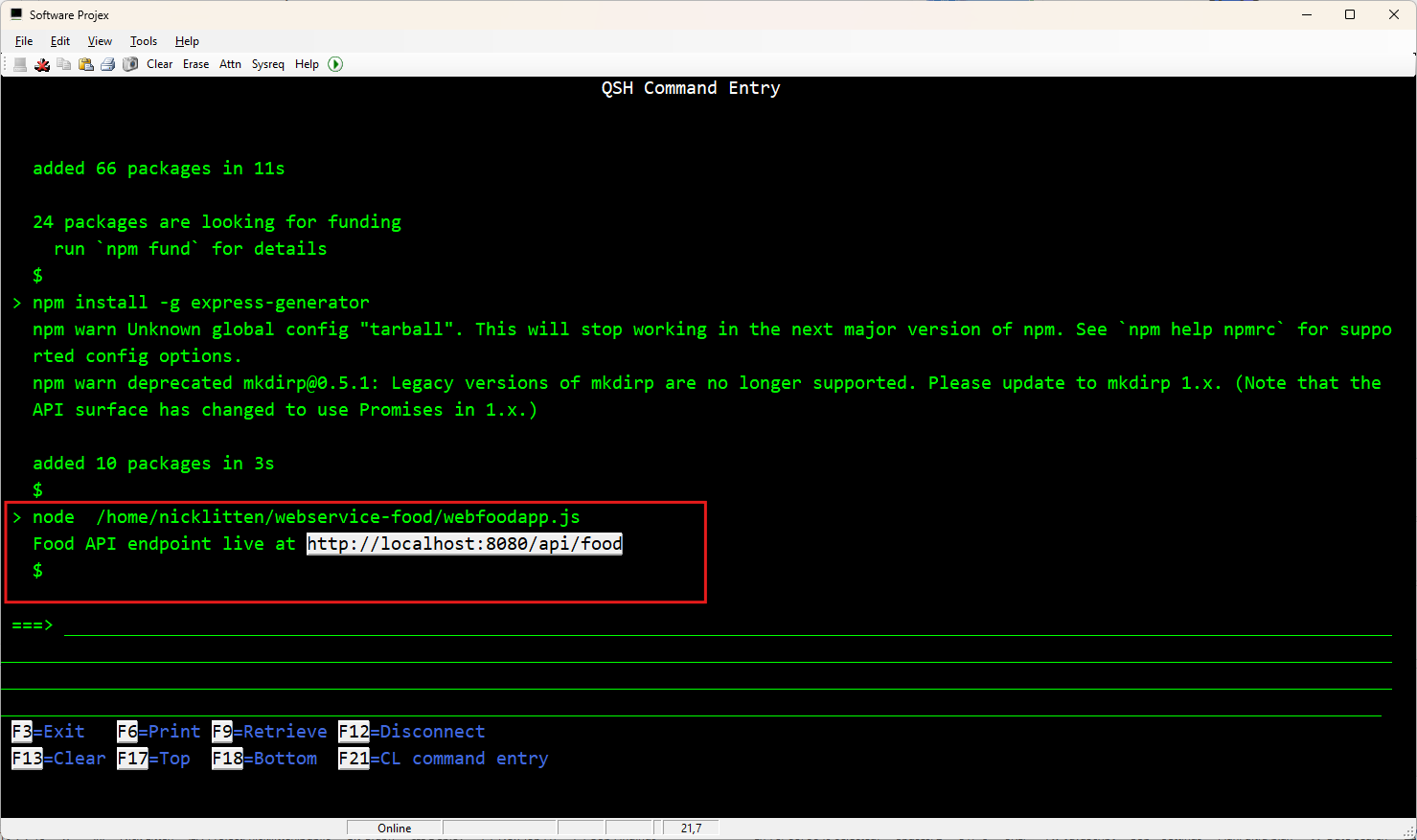
You will (hopefully) see: Food API endpoint live at http://localhost:3000/api/food

Here we now have our webservice ready to be called on url - http://your-system-name:3000/api/food
It will expect the json payload with the READ/ADD/UPDATE/DELETE request.
Change webservice PORT?
Simply edit your webfoodapp.js and repeat/restart it again:
