
From AS/400 Fossils to Modern IBM i SQL: The Practical Path That Doesn’t Break Everything
I’ve just knocked out a short series of practical lessons on dragging classic AS/400 databases into the 21st century with proper IBM i SQL [more]
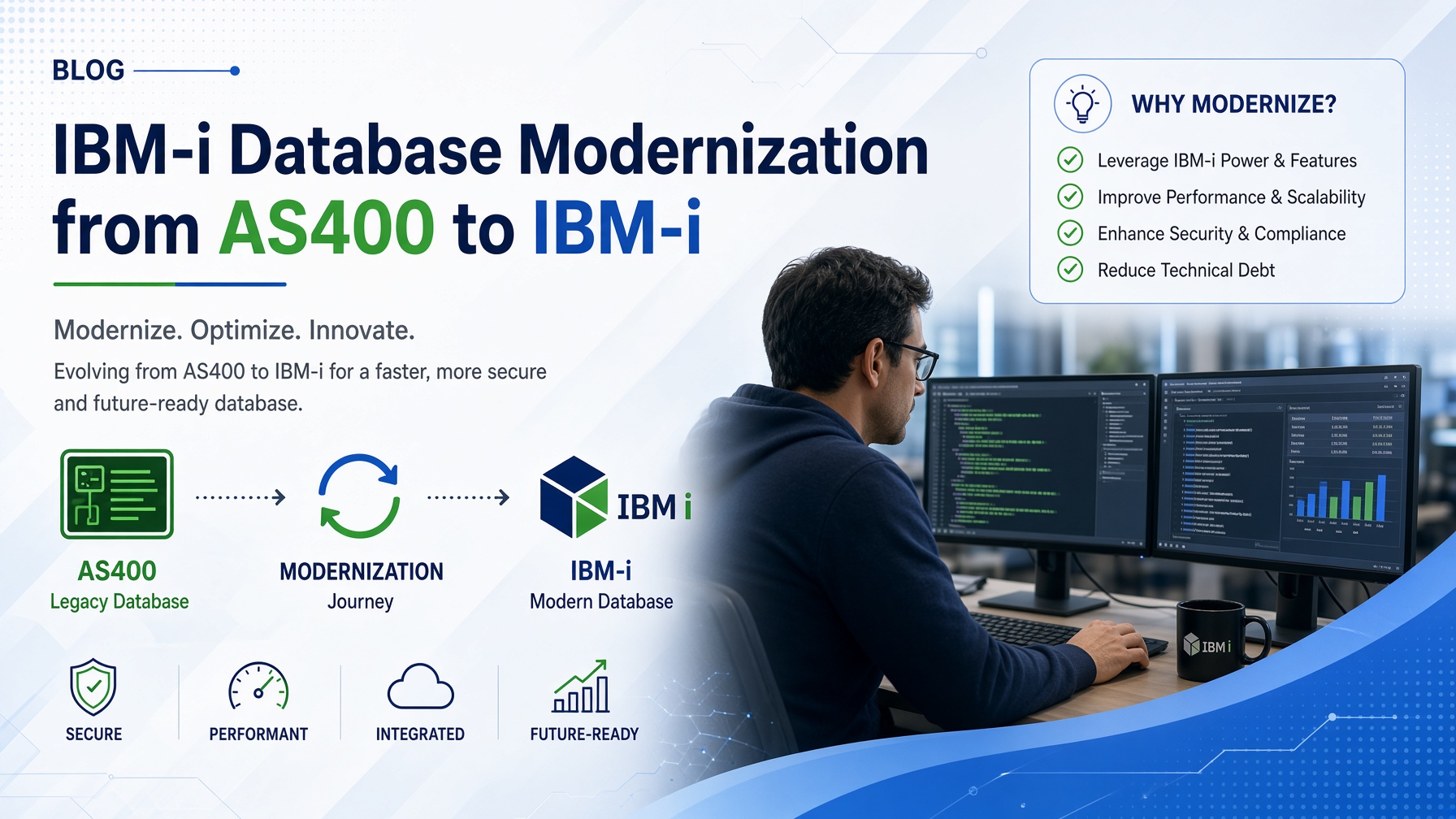
We’re taking those ancient DDS Physical Files and Logical Files and turning them into grown-up SQL tables, indexes and views.
This is not a rewrite of your applications. It’s a sneaky under-the-covers upgrade. Do it properly and most of your RPG, CL and embedded SQL programs carry on like nothing happened. You get faster reads, actual data integrity, proper constraints, longer column names, and a database the SQL Query Engine doesn’t look at with mild disgust.
Here’s the path most sensible shops follow.
Why Bother?
DDS files still work… in the same way a 1987 Ford Cortina still gets you to the shops. They just limit what the engine can do for you.
SQL tables validate on write instead of every read. Most systems do far more reads than writes, so you get a free speed boost on chain, setll/reade and sequential access. Better statistics mean the SQL Query Engine can finally make intelligent decisions instead of guessing. Primary keys, unique constraints, foreign keys and check constraints live in the database instead of hoping every RPG program remembered to validate properly. And new Db2 for i features almost exclusively prefer (or require) SQL-defined objects.
You can convert while keeping the external record format identical. Existing programs keep working. Improve the insides later when you’ve stopped sweating.
Straight Conversion (Zero Recompiles)
Goal: same field names, types and lengths so the Record Format Level Identifier stays the same and nothing breaks.
Pick a moderately used file (not the one that keeps the lights on). Generate the SQL with ACS right-click → Generate SQL or QSYS2.GENERATE_SQL. Clean it lightly and keep the short system names if you value your weekends. Create the table (temporary name first is fine), copy the data across, check the format level with DSPFD, test thoroughly, then swap names or use a surrogate Logical File as a safety net.
Classic customer master becomes:
CREATE OR REPLACE TABLE CUSMAST (
    CUSNUM DECIMAL(7, 0) NOT NULL DEFAULT 0,
    CUSNAM CHAR(30) NOT NULL DEFAULT '',
    CUSADR CHAR(40) NOT NULL DEFAULT '',
    CUSZIP CHAR(5) NOT NULL DEFAULT '',
    CUSCRD DECIMAL(9, 2) NOT NULL DEFAULT 0,
    CUSDT DECIMAL(8, 0) NOT NULL DEFAULT 0,
    PRIMARY KEY (CUSNUM)
)
RCDFMT CUSREC;
Existing native I/O just keeps working. No drama.
Logical Files → Indexes and Views
A simple keyed Logical File turns into an Index:
CREATE INDEX CUSMASTX1 ON CUSMAST (CUSNAM, CUSNUM);Select/omit or field-selection Logicals become Views:
CREATE VIEW ACTIVE_CUSTOMERS AS SELECT … WHERE CUSCRD > 0;Views don’t guarantee order the way Logical Files did. If your programs relied on that, keep an ordered index or add explicit ordering. Surrogate Logical Files over the new SQL objects make a decent temporary bridge while you test.
Improving the Actual Definitions
Once the straight conversion is stable and you’ve stopped checking the error logs every five minutes, fix the data types. Biggest win: replace those ancient numeric dates with real DATE or TIMESTAMP columns.
ALTER TABLE CUSMAST ADD COLUMN CUS_CREDIT_DATE DATE;

UPDATE CUSMAST
SET CUS_CREDIT_DATE = DATE(
  SUBSTR(DIGITS(CUSDT),1,4) || '-' ||
  SUBSTR(DIGITS(CUSDT),5,2) || '-' ||
  SUBSTR(DIGITS(CUSDT),7,2)
)
WHERE CUSDT BETWEEN 19000101 AND 20991231;

-- Then drop the old column and rename
Later you can also move binary fields to INTEGER or BIGINT, fixed character to VARCHAR where it makes sense, add identity columns, and throw in a ROW CHANGE TIMESTAMP. These changes usually need recompiles, so batch them after the zero-impact conversion is proven solid.
Recommended Sequence
Convert the Physical Files with identical definitions first. Then turn the Logical Files into indexes and views. Measure and confirm nothing’s on fire. Improve the data types (especially dates) in controlled batches. Only then add longer names, constraints and modern features once the foundation is boringly reliable.
Progressive, low-risk, and every step actually delivers. Classic AS/400 files become a modern IBM i SQL database without the big-bang project that keeps managers awake at night.
