
npm (Node Package Manager) is a package manager for JavaScript, commonly used with Node.js.
On IBM i, NPM is exactly the same beast you know from the Linux / Windows world… just running inside the PASE environment.
npm allows developers to share and reuse code, as well as manage project dependencies.
What NPM is (in human language)
NPM stands for Node Package Manager.
It is:
- A package manager for Node.js
- A tool used to install, update and manage JavaScript libraries
- Basically the “yum / apt / RPM” of the Node.js ecosystem
If you’re writing Node.js on IBM i, you’ll use NPM constantly.
Here’s how npm works on the IBM i system:
Installation
To use npm on IBM i, you first need to install Node.js. This can be done through the IBM i Open Source Solutions (5733OPS) licensed program1. Once Node.js is installed, npm is typically included by default.
Key Features
Where it lives on IBM i
NPM runs inside PASE (Portable Application Solutions Environment).
That means:
- It is not native ILE code
- It runs alongside AIX-type tooling
- It uses the same filesystem (IFS)
Typical path:
And Node itself:
These come from the IBM i Access Client Solutions (5733-OPS) Yum repository.
How you actually use it
From an SSH session or QP2TERM, you’ll do things like:
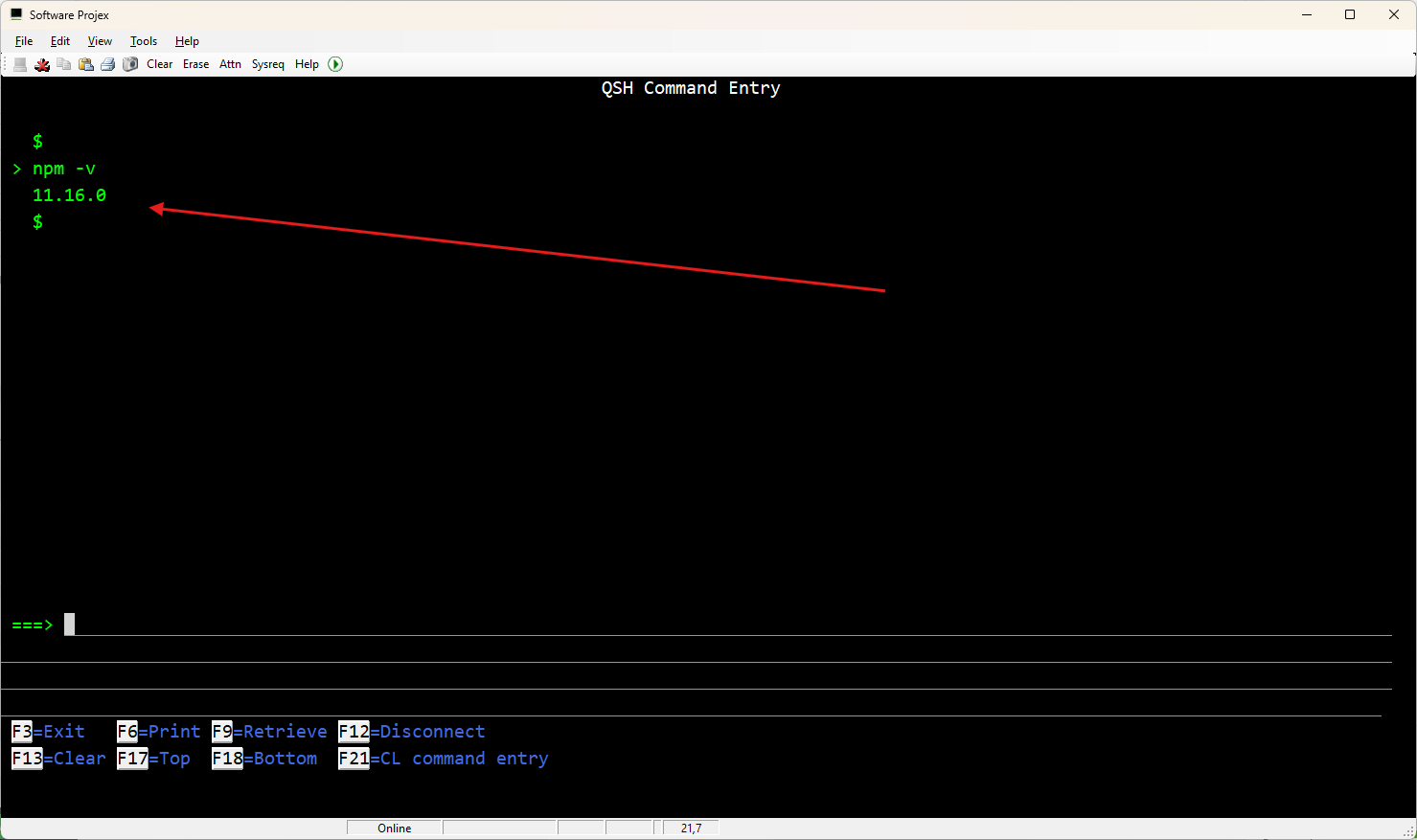
Check version
Usage on IBM i
Installing Packages: You can install packages from the npm registry using the npm install command.
For example, to install the express package, you would run:
Running Scripts: Define scripts in your package.json file and run them using npm run.
For example, to start your application, you might have a script like:
"start": "node app.js"
}
You can then run it with:
Accessing IBM i Resources:
There are npm packages specifically designed to interact with IBM i resources.
For example, the itoolkit package allows you to call RPG, CL, and other IBM i programs2.